BROWSER SOURCE TWITCH YOUTUBE

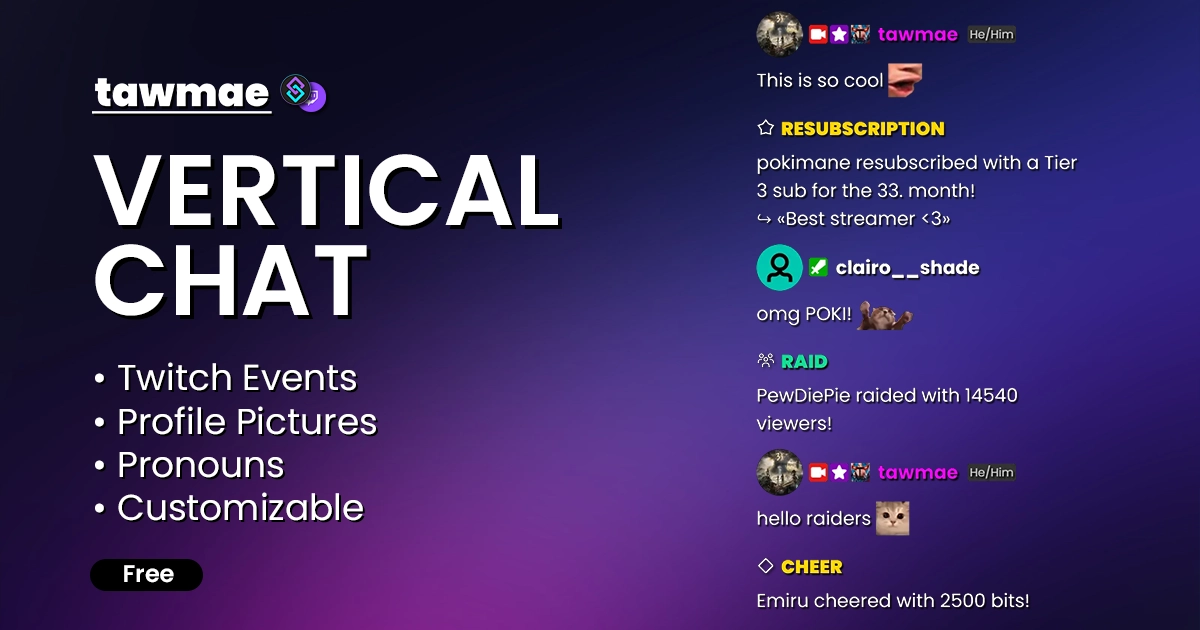
A vertical Twitch & YouTube chat overlay, powered by Streamer.bot. Customizable, supports pronouns, profile pictures, all kinds events and GIPHY gifs.

Vertical Chat preview

Quick Access

Copy what you need to get started. Follow the setup guide below for detailed instructions.

Browser Source URL

Add this as a browser source to OBS.
https://tawmae.xyz/overlays/vertical-chat

Setup Guide

1

Start WebSocket Server

Go to the tab Servers/Clients → WebSocket Server. Enable Auto Start WebSocket Server. Address 127.0.0.1. Port 8080. Optional password. Leave Enforce All Requests unchecked. Start the server.

2

Copy Browser Source URL

Copy the Browser Source URL from Quick Access.

3

Add Browser Source in OBS

In OBS, create a new Browser Source, name it whatever you want. Then paste the copied URL into URL and set the Width and Height to your preferred vertical size.

NoteIf you want to have the browser source in multiple scenes, don't create a second browser source. Instead, use nested scenes or source clones.
4

Done!

And you are done.

Customization

You can use the Settings Builder to configure everything visually and then paste the generated URL into your OBS Browser Source.

Changelog

v1.1.6 latest

  • New Added newly supported events: Twitch Custom PowerUps, YouTube Jewels
  • Changed Updated the Settings Builder: selectable local fonts & option to import a URL back into the settings menu

v1.1.0

  • New Added YouTube support

User Reviews

4.5 (2 reviews)

Great as well as all other Solutions. Only I miss in these Vertical Chat the Option to setup how many Lines will show and how many characters will be shown in one line. But overall, it´s a very, very good Solution. Thank´s

Before you post your review

Please make sure this is not a support issue. If you have trouble getting it to work, join my Discord, open a support post and attach your logs.

Join the Discord for support ↗