TWITCH YOUTUBE DLL REQUIRED

A Streamer.bot extension for lurkers on Twitch & YouTube. Let viewers lurk, track their time, manage lurkers and display a leaderboard for the top lurkers.

  • Track lurk time per viewer and build a lurk history
  • Automatically unlurk on command, when viewers chat again or when they leave the viewer list
  • Display current lurkers, personal stats and a full lurk leaderboard in chat
  • One-Click imports from other bots
    • StreamElements, Streamlabs, MixItUp, Firebot & Wizebot
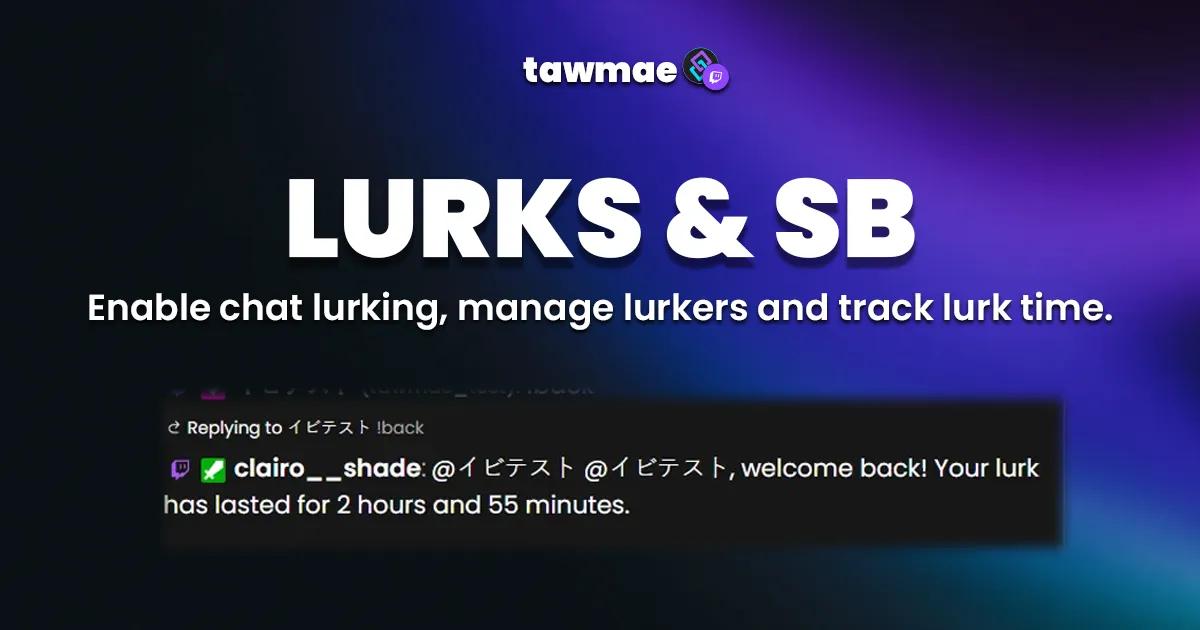
LURKS & SB – Streamer.bot lurk tracking extension preview

Quick Access

Copy what you need to get started. Follow the setup guide below for detailed instructions.

Action Import String

Import the actions into Streamer.bot.
Loading…

Setup Guide

1

Copy the Action Import String

Copy the Action Import text from Quick Access.

2

Import the actions into Streamer.bot

In Streamer.bot click Import in the top menu. Paste the text into the Import String field. Click Import at the bottom.

3

Enable the commands

Open the Commands tab. Find the imported group. Right-click the group and click Enable All.

4

Open the Settings UI once

Open the action [LURKS & SB] 0 - Settings. Right-click the Test trigger and hit Test Trigger. Click Save.

NoteIf the TawmaeUI.dll is missing, you’ll be asked to auto-download. That popup window may appear behind the Streamer.bot window, so make sure to check if nothing appears.
5

Done!

From now on your viewers can lurk, unlurk and build up their lurk stats and leaderboard.

Commands

!lurk Access Everyone

Start lurking and begin tracking your lurk time.

Example!lurk
!unlurk / !back Access Everyone

End your lurk and return from the shadows.

Example!unlurk
!lurkers Access Everyone

Display all current lurkers in chat.

Example!lurkers
!lurkStats Access Everyone

Show your personal lurk stats in chat.

Example!lurkStats
!lurkLeaderboard Access Everyone

Display the lurk leaderboard with cumulated lurk time.

Example!lurkLeaderboard

Settings UI

General

Configure how lurks start and end, and how present viewers are handled.

  • Use 24h format Choose whether you want AM/PM or 24h format.
  • Remove Unpresent Lurkers Automatically removes lurkers from the lurker list if they are not present anymore. Just be aware that Twitch handles viewer lists weirdly and there's no guarantee for it to be accurate.
  • Unlurk Chatters Automatically unlurk people when they chat again, without the need for a !unlurk command.
  • Unlurk Chatters Threshold If Unlurk Chatters above is checked, then this is the treshold, i.e. how many chat messages they need to type for them to unlurk. People love to yap after typing !lurk, so this is kind of a safety feature to not immediately unlurk them again.
  • uwu Sorry, I'm too lazy to finish the other settings. They are self-explaining, so I don't even care anymore...

Chat Responses

Edit chat responses. Use a single hyphen to skip a message. Allows to use variables that are listed below each textbox. Reset to default by clicking the icon on the right.

Keywords / Localization

Translate the singular and plural wordieeees.

FAQ & Examples

How does automatically removing lurkers when they leave stream work?
With the Present Viewers setting enabled, Streamer.bot periodically fetches the live viewer list from Twitch.

Lurkers usually stay in that list as long as they have the stream open. To avoid false positives, a viewer has to be missing from the viewer list for a longer period (around 15 minutes) before being removed from the active lurkers list.

If someone briefly leaves and comes back within that window, they stay in the lurkers list.
I've used the very old version of this extension, are my settings gone?
No. Once you run the action to open the Settings UI, your old settings are automatically converted and backed up.

You keep your existing configuration, just with the new UI and logic on top.

Changelog

v2.0.0 latest

  • New Added YouTube support
  • Changed Internal changes (don't worry about it babe)

User Reviews

5.0 (5 reviews)

It's just awesome. Okay, since I'm German, I had to translate everything into German, but it does what it's supposed to, and that's great!!! I've already recommended it to a few streamers, too. Because I'm 100% behind this extension and think it's awesome. Oh, did I mention that the dashboard is awesome? No? Okay, then read that last sentence again :D

This is an extension to the simple lurk I had in MIU. Love how it can track lurk time, so those people who tend to lurk in my chat (love ya lurkers!) can "compete" to see who lurks the most. haha.

Widget works perfect. Love all the command to see what user have archieved!

Before you post your review

Please make sure this is not a support issue. If you have trouble getting it to work, join my Discord, open a support post and attach your logs.

Join the Discord for support ↗