Style 1 (Regular)
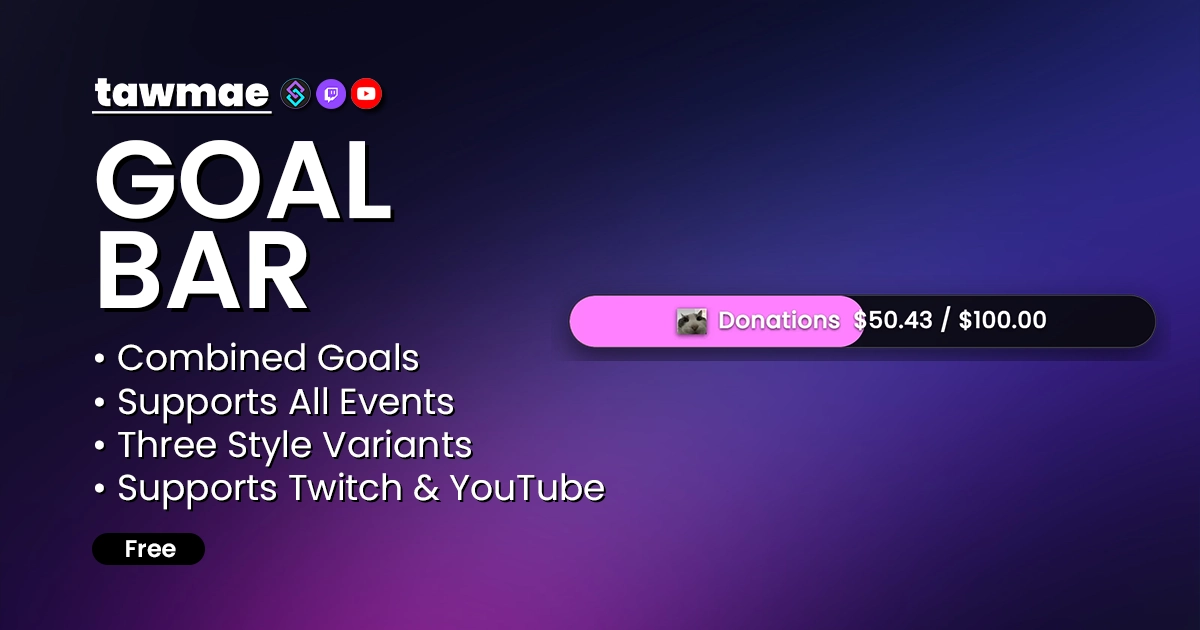
The regular style includes the full layout. With a background + titles.
https://tawmae.xyz/overlays/twitch-goalbar-v2

A customizable goal bar for Twitch & YouTube to display followers, subscribers, bits and donations. Powered by Streamer.bot.

Copy what you need to get started. Follow the setup guide below for detailed instructions.
Copy the Action Import text from

In Streamer.bot click

Open the

Open the action

Go to the tab

Copy the Browser Source URL from

In OBS create a new Browser Source. Paste the URL. Prefer setting Width and Height to your OBS canvas size. The bar does however adapt to the width.

And you are done!
| Command | Permission | Description | Example |
|---|---|---|---|
| !goalbarFollowersGoal [Number] | Change the goal amount for follows. | !goalbarFollowersGoal 50 | |
| !goalbarSubsGoal [Number] | Change the goal amount for subs. | !goalbarSubsGoal 25 | |
| !goalbarBitsCurrent [Number] | Change the current amount for bits. | !goalbarBitsCurrent 1200 | |
| !goalbarBitsGoal [Number] | Change the goal amount for bits. | !goalbarBitsGoal 5000 | |
| !goalbarDonationsCurrent [Number] | Change the current amount for donations. | !goalbarDonationsCurrent 37.5 | |
| !goalbarDonationsGoal [Number] | Change the goal amount for donations. | !goalbarDonationsGoal 250 | |
| !goalbarChannelPointsCurrent [Number] | Change the current amount for channel points. | !goalbarChannelPointsCurrent 12000 | |
| !goalbarChannelPointsGoal [Number] | Change the goal amount for channel points. | !goalbarChannelPointsGoal 50000 | |
| !goalbarOverallGoalCurrent [Number] | Change the current amount for the Overall Goal. | !goalbarOverallGoalCurrent 15 | |
| !goalbarOverallGoalGoal [Number] | Change the goal amount for the Overall Goal. | !goalbarOverallGoalGoal 100 |


Toggle which goals are included and set the general design of the goal bar.

Configure each goal's target, progress color, title, and icon.

Fires when a goal reaches its target.
| Variable | Type | Description | Example |
|---|---|---|---|
| %goalName% | string | The display name of the completed goal. | - |
| %goalValue% | double | The target value of the goal. | - |
| %currentValue% | double | The final current value at completion. | - |


