Import the actions into Streamer.bot
Enable the commands
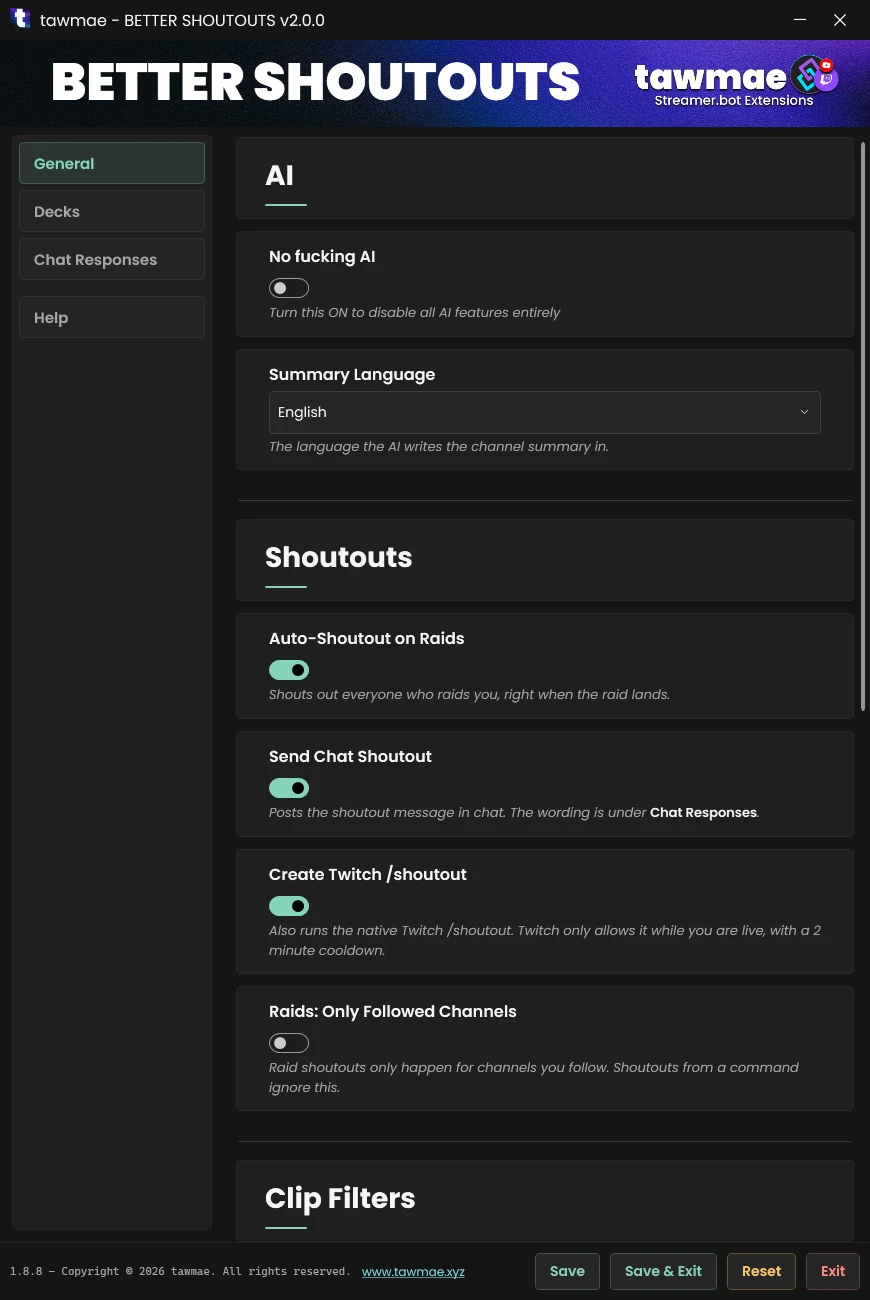
Run the Settings UI once
Start WebSocket Server
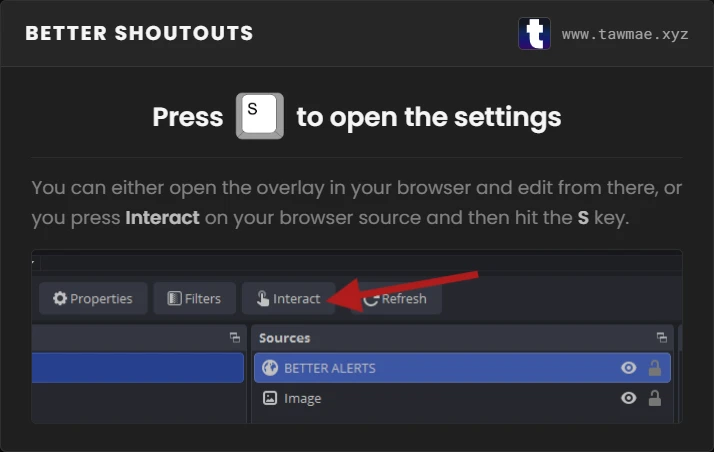
Add Browser Source in OBS
In
Done!
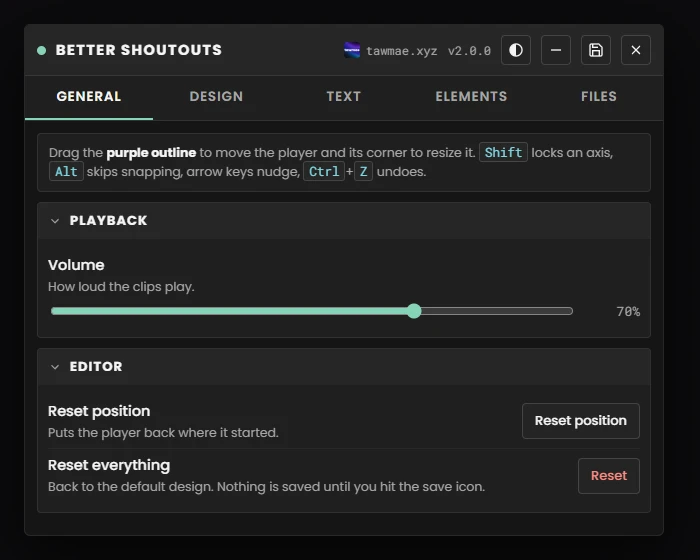
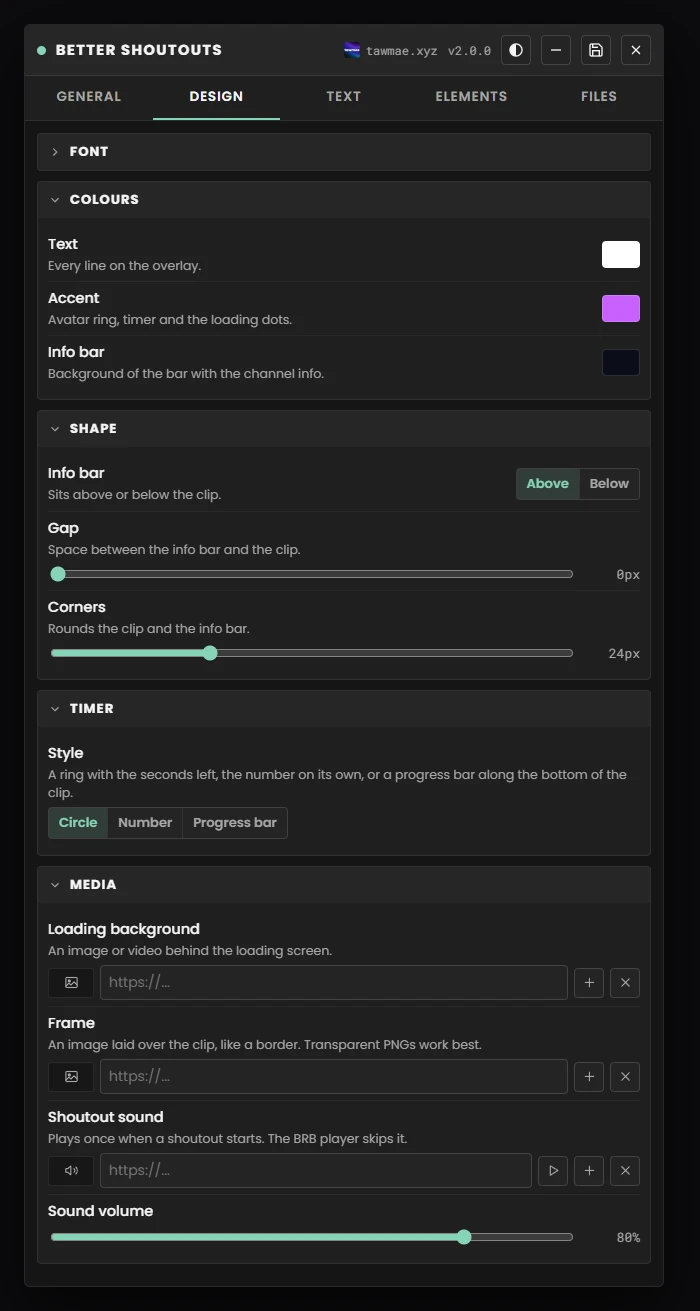
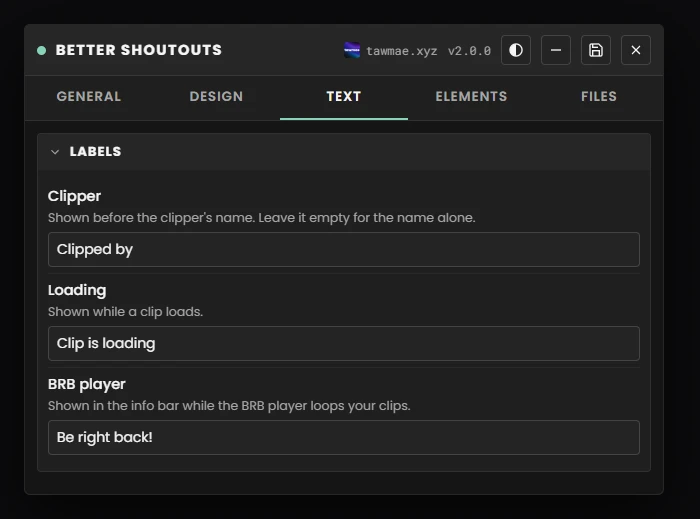
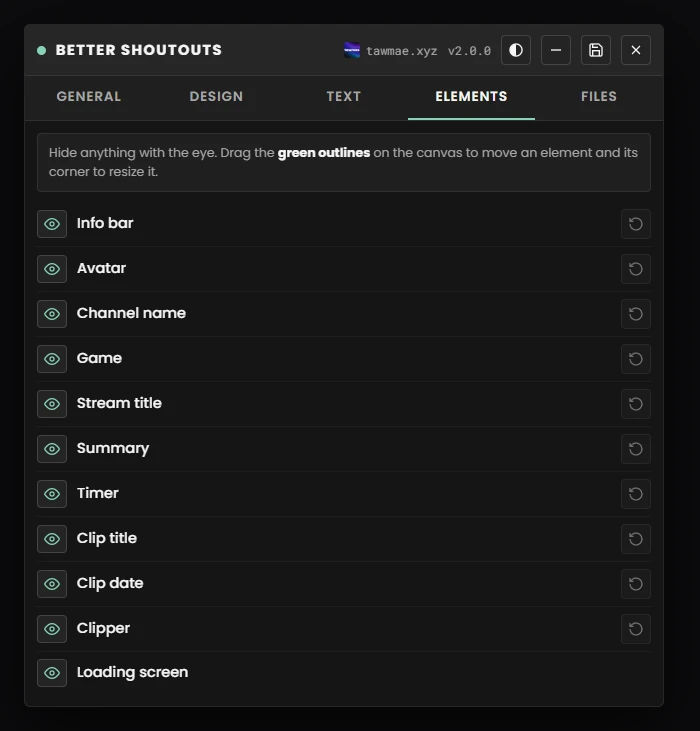
And you are done! You can now customize everything to your liking and throw a test !shoutout into chat.
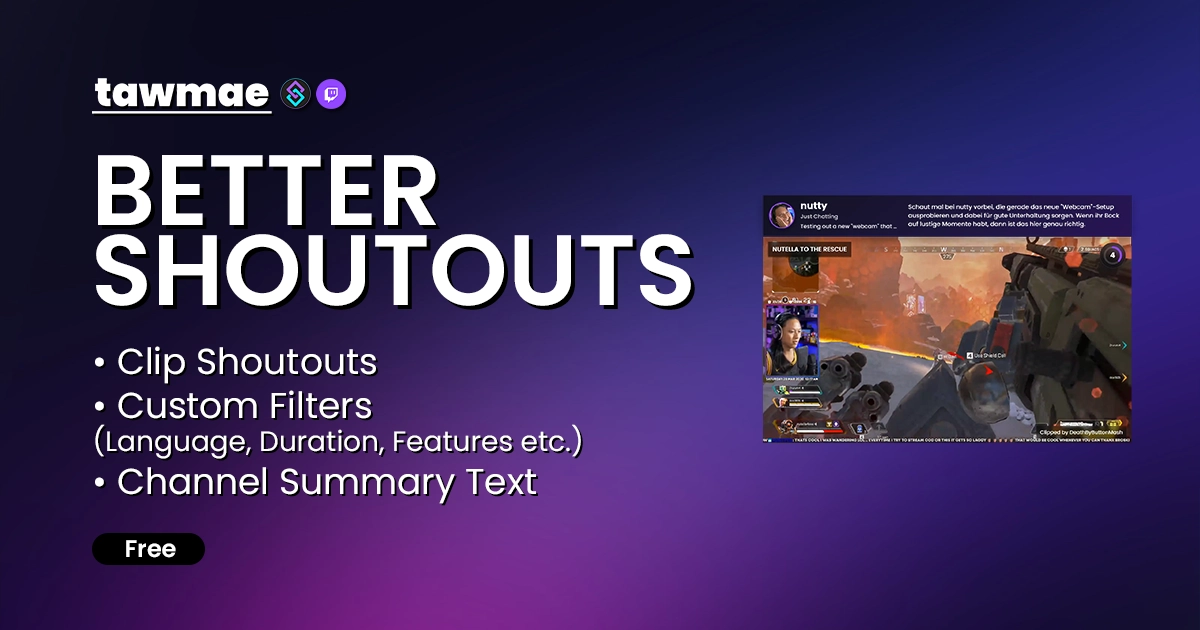
The clip shoutout extension you have been looking for. Shoutout with clips via command & raids and set all kinds of filters to avoid boring clips. Powered by Streamer.bot
Copy what you need to get started. Follow the setup guide below for detailed instructions.
In
And you are done! You can now customize everything to your liking and throw a test !shoutout into chat.
Core shoutout behavior, the clip filters used to pick a clip, and which labels are shown on the overlay.
Customize how the overlay looks. Changes apply live to the browser source — no refresh needed.
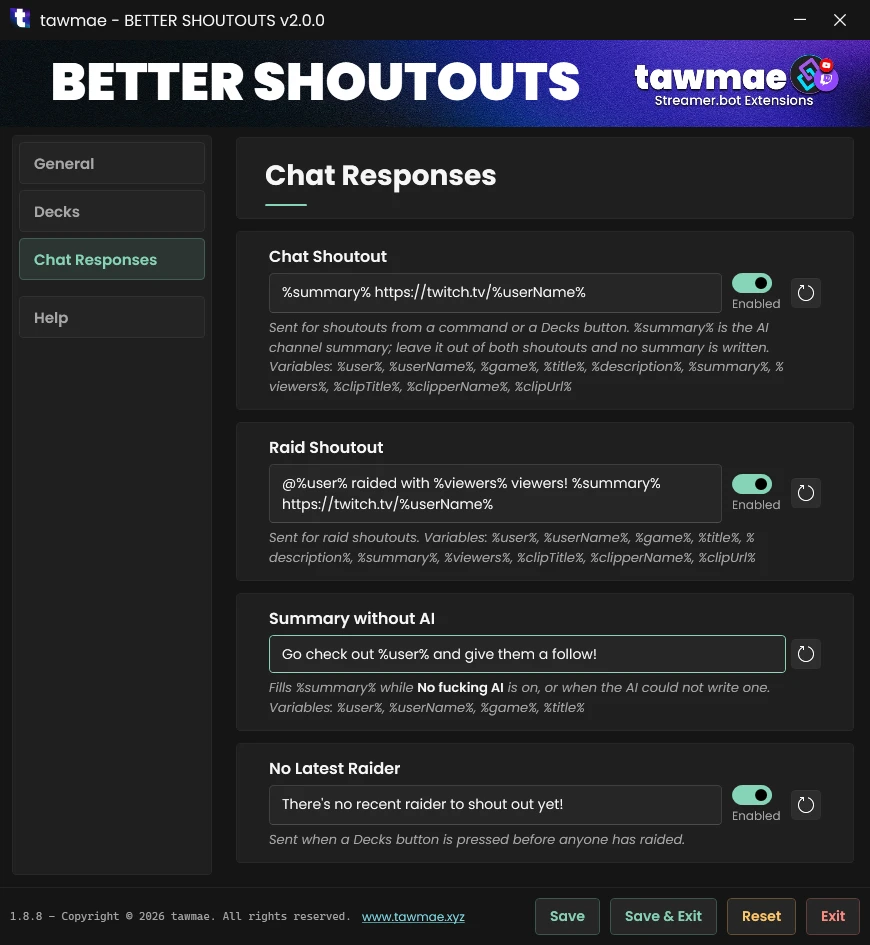
Templated chat messages for command and raid shoutouts. Each box can be toggled individually. Note: the %summary% variable is a brief AI-generated summary of the channel — if you remove it from both responses, the AI call is skipped to save tokens.
No reviews yet :( But you can be the first one!