BLUESKY & SB

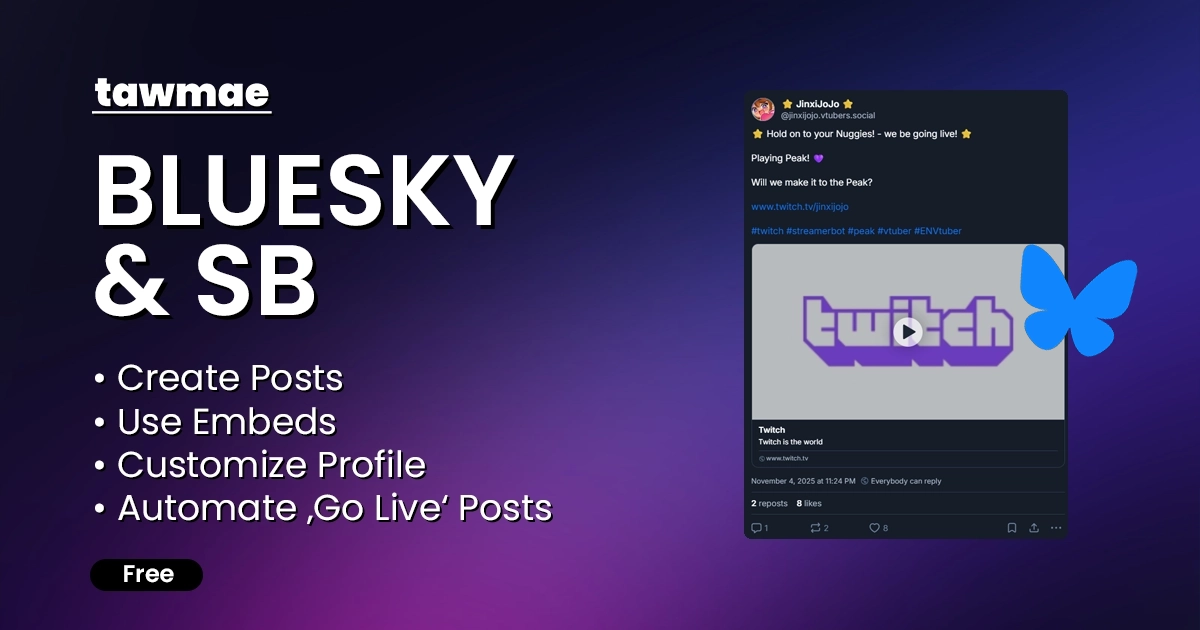
A Bluesky integration for Streamer.bot. Create posts, update your profile, announce that you went live on Twitch and more.

  • Create Bluesky posts directly from Streamer.bot actions, with pictures, videos, links, mentions and hashtags
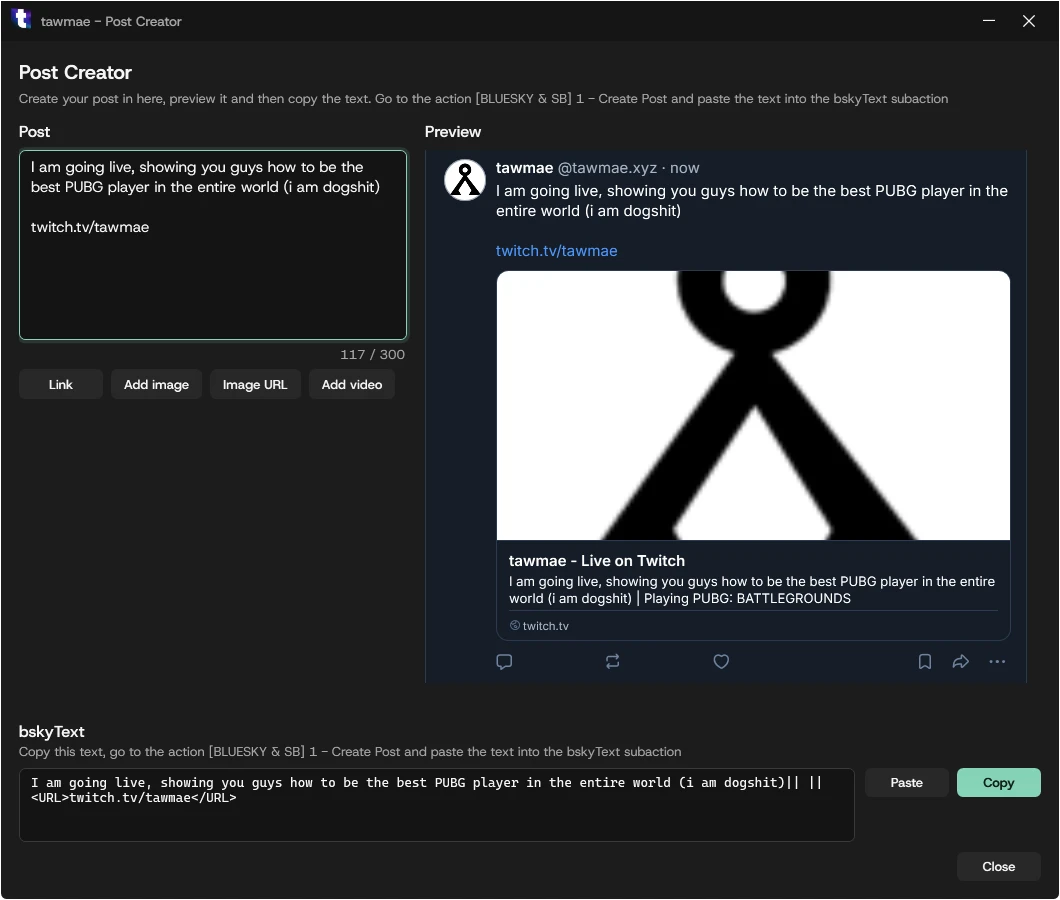
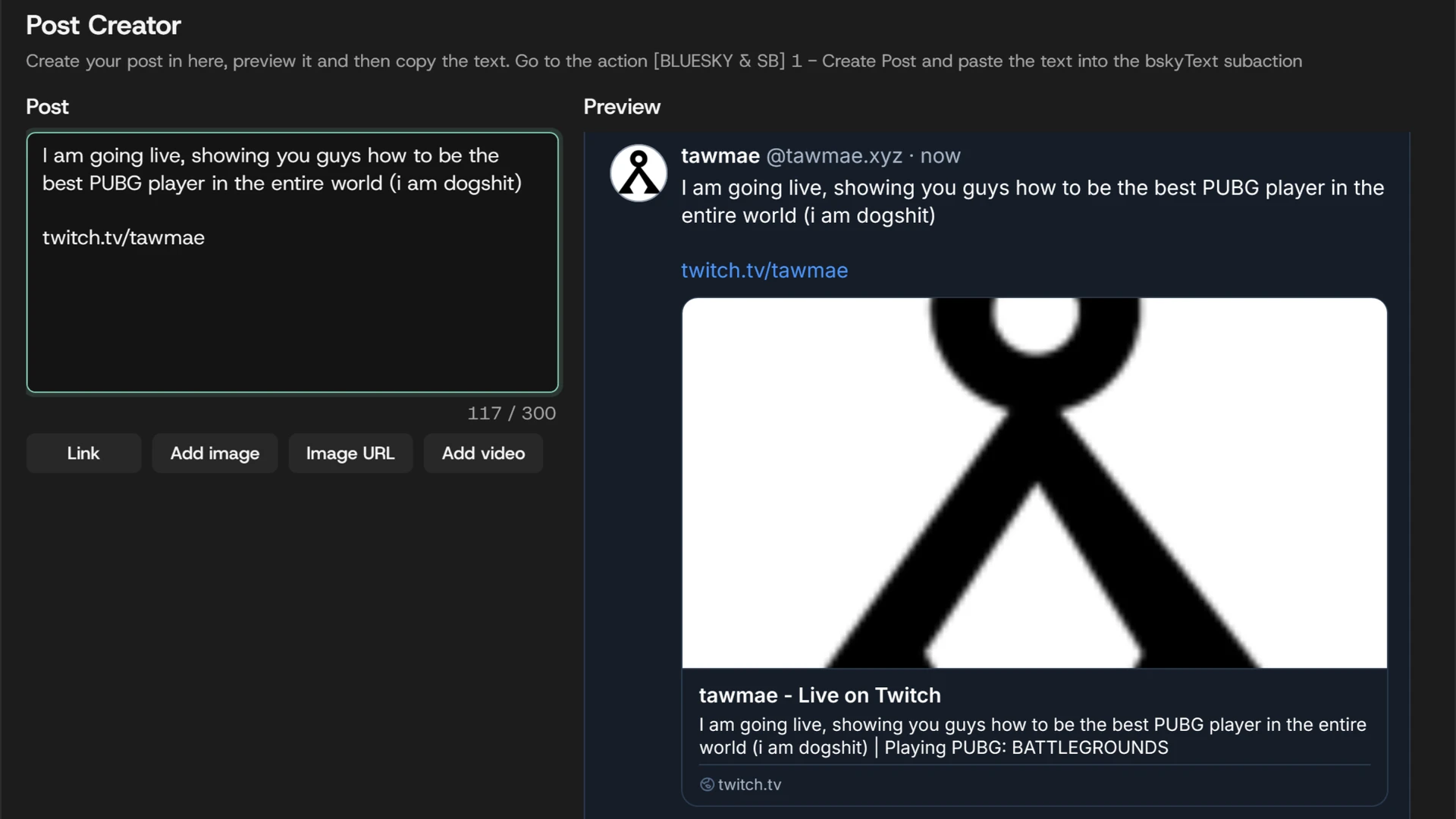
  • Write your posts in the Post Creator, a Bluesky-like editor with a live preview that gives you the text for the action
  • Update profile picture, banner, bio and even username to your liking
  • Automate your livestreams: post a live announcement, update your 'LIVE' badge, change your username and profile picture to indicate you are live... and revert back once you go offline.
Bluesky & Streamer.bot integration preview
BLUESKY & SB Post Creator with a live Bluesky preview
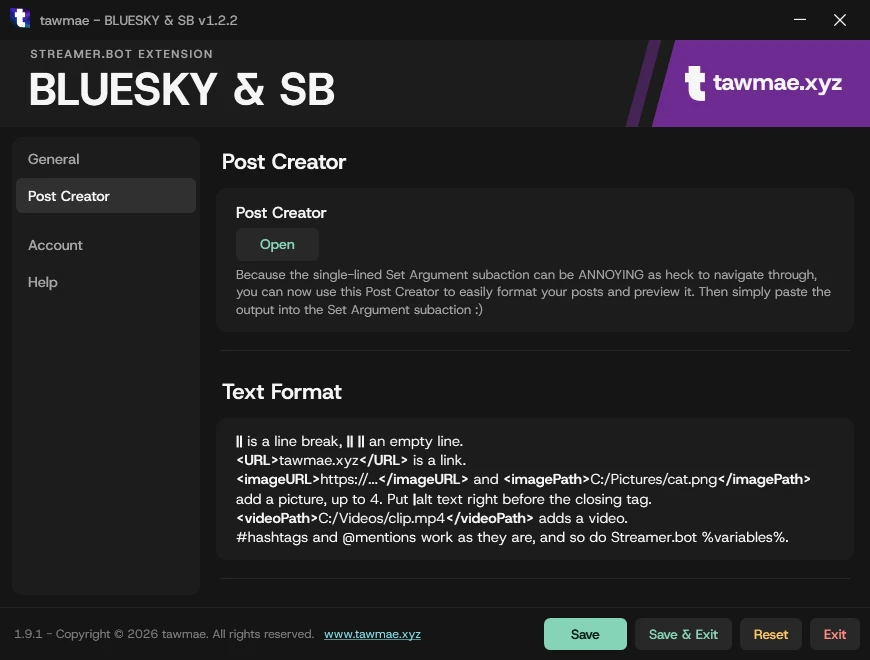
Bluesky & SB Streamer.bot utility preview

Quick Access

Action Import String

Import the actions into Streamer.bot.
Loading...

Setup Guide

1

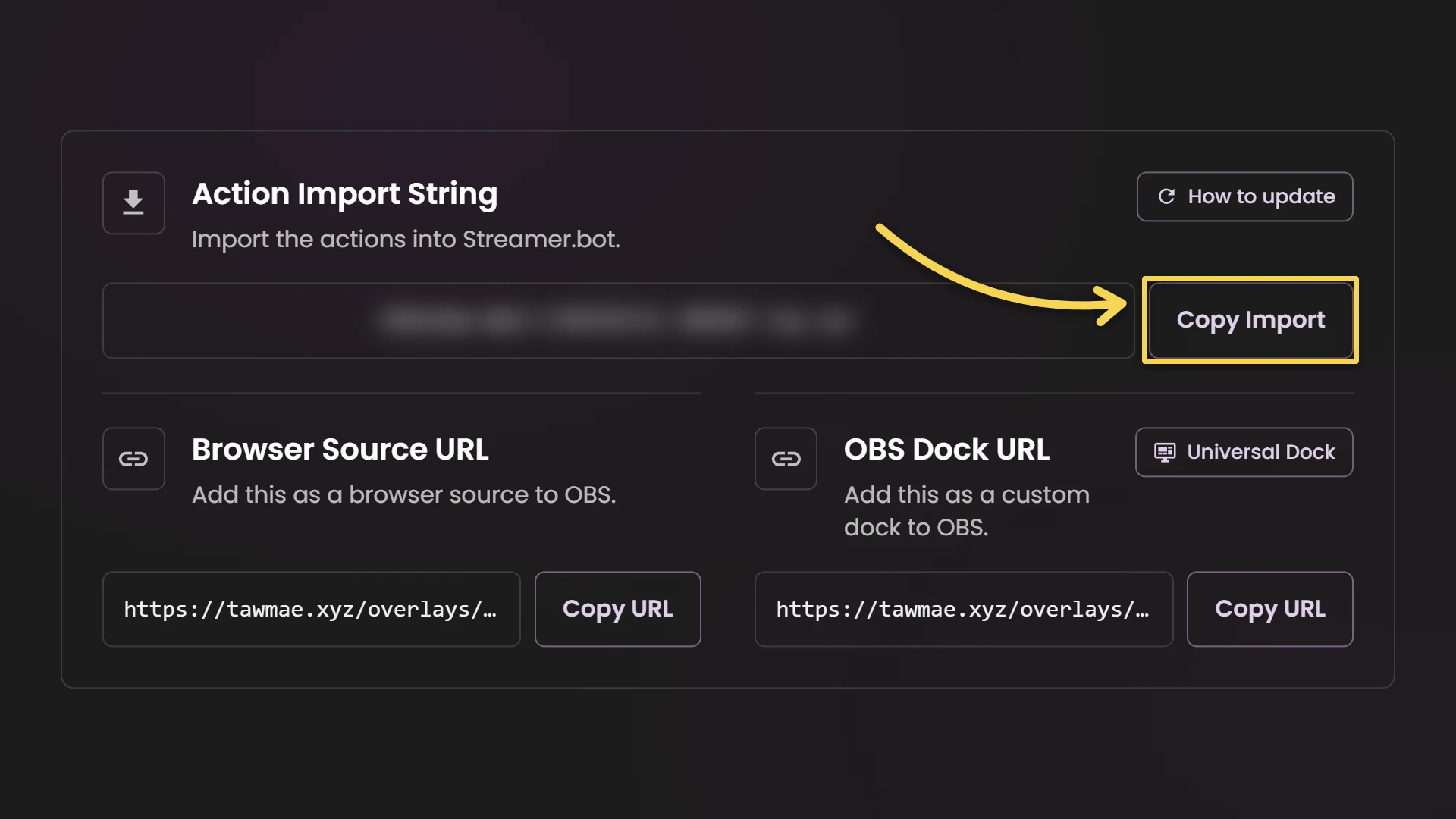
Copy the Action Import String

Copy the Action Import text from Quick Access.
2

Import the actions into Streamer.bot

In Streamer.bot click Import in the top menu. Paste the text into the Import String field. Click Import at the bottom.

3

Create a Bluesky app password

In Bluesky, go to Settings → Privacy and security → App passwords and create a new app password. You can also open https://bsky.app/settings/app-passwords directly.

Give the app password any name you like, click Next, then copy the generated password to your clipboard and click Done.

4

Open the Settings UI

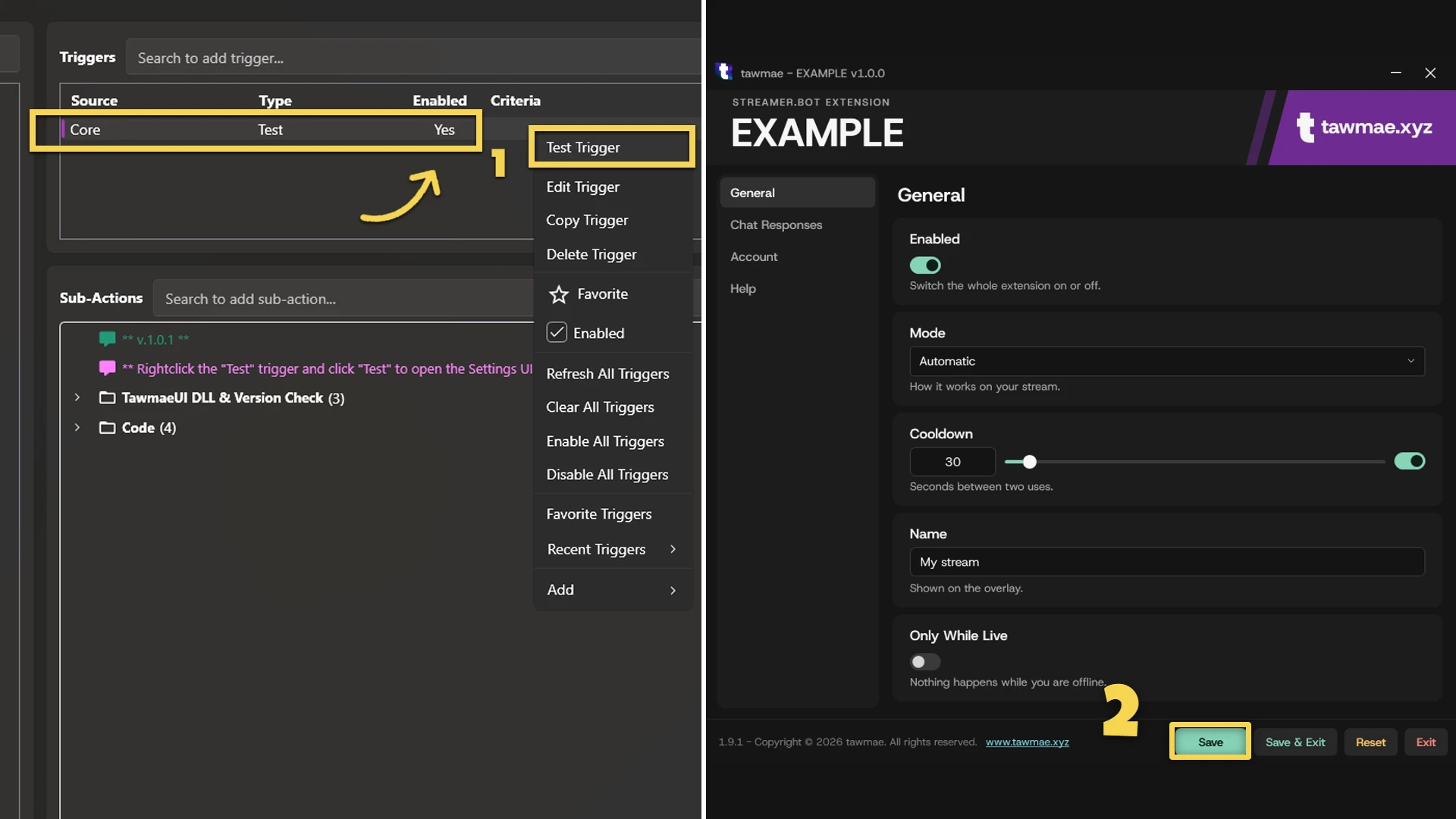
Open the action [BLUESKY & SB] 0 - Settings. Right-click the Test trigger and hit Test Trigger to open the Settings UI.

NoteIf the TawmaeUI.dll is missing, you'll be asked to auto-download. That popup window may appear behind the Streamer.bot window, so make sure to check if nothing appears.
5

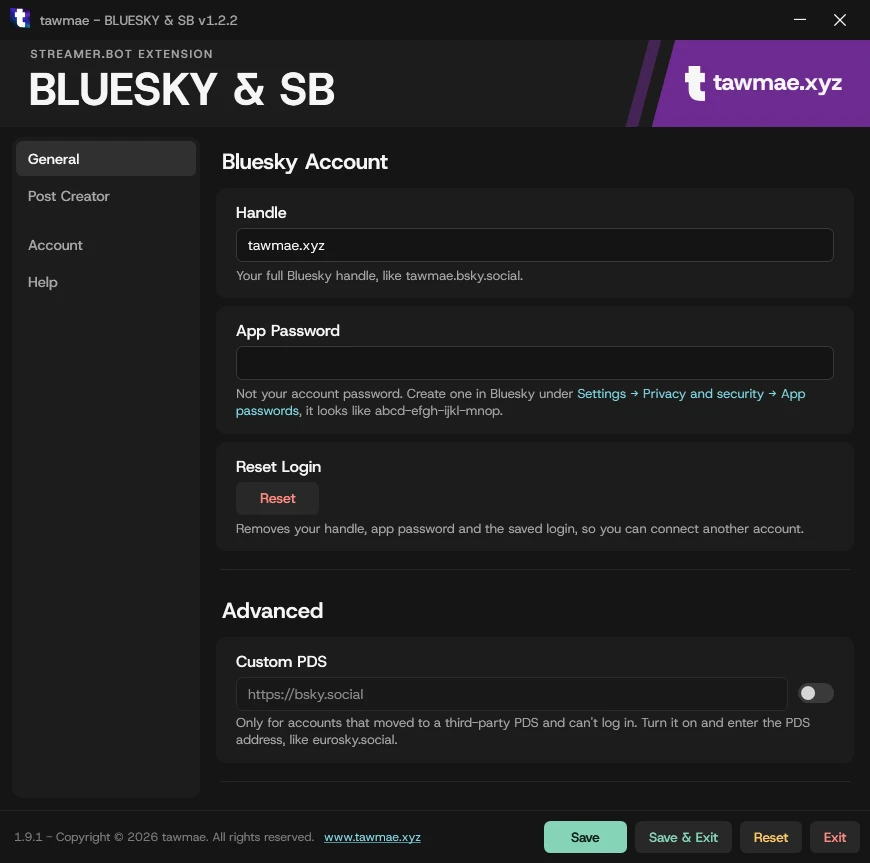
Enter your Bluesky login

On the General tab, enter your full handle, e.g. pokimane.bsky.social, and the app password you just created. Hit Save and you are ready to use the other actions.
6

Write your first post

Open the Post Creator tab and click Open. Write your post, then copy the text at the bottom into the bskyText Set Argument of [BLUESKY & SB] 1 - Create Post.

7

Done!

And you are done!

Settings UI

General

Your Bluesky login.

  • Handle Your full Bluesky handle, including the domain (for example: pokimane.bsky.social).
  • App Password The app password you generated in your Bluesky settings, not your main account password. It's stored encrypted on your PC, never in a Streamer.bot global.
  • Reset Login Removes your handle, app password and the saved login, so you can connect a different Bluesky account.
  • Custom PDS Only for accounts that moved to a third-party PDS and can't log in.

Post Creator

Write your posts with a live preview that looks like Bluesky, then copy the text into the Create Post action.

  • Post Creator Text, pictures, a video, alt texts and link cards, previewed the way Bluesky shows them. Paste brings a text you already have back in to edit it.
  • Text Format A short reference for writing the text by hand. It's also below.

Post Formats

Linebreaks

Line breaks are created with two pipe symbols: ||. An empty line is || ||.
Example
Hello,||my name is tawmae.

Result:
Hello,
my name is tawmae.

Images

Embed an image from a URL using <imageURL>...</imageURL>.
Embed an image from a filepath using <imagePath>...</imagePath>. Up to 4 per post.

Optional alt-text can be added by placing a single pipe | after the URL or file path.

Bluesky API does not support GIFs yet.
Example
<imageURL>www.tawmae.xyz/images/CuteCat.png</imageURL>

<imagePath>C:/User/tawmae/Pictures/CuteCat.png|My cat on the desk</imagePath>

Videos

Embed videos using <videoPath>...</videoPath>.

Supported: .mp4, .mpeg, .webm, .mov, up to 50 MB.
Example
<videoPath>C:/User/tawmae/Videos/CuteCat.mp4</videoPath>

URLs

Make URLs clickable using <URL>...</URL>. Long links are shortened like in the Bluesky app.

Preview cards available when bskyURLPreview = True.
Example
<URL>https://tawmae.xyz</URL>

Mentions, hashtags and cashtags

@handles, #hashtags and $CASHTAGS work as they are, the same way Bluesky detects them.
Example
Going live with @pokimane.bsky.social #Streamerbot

FAQ & Examples

How do I create an automatic post when I go live on Twitch?
Use the [BLUESKY & SB] 1 - Create Post action and add a trigger.

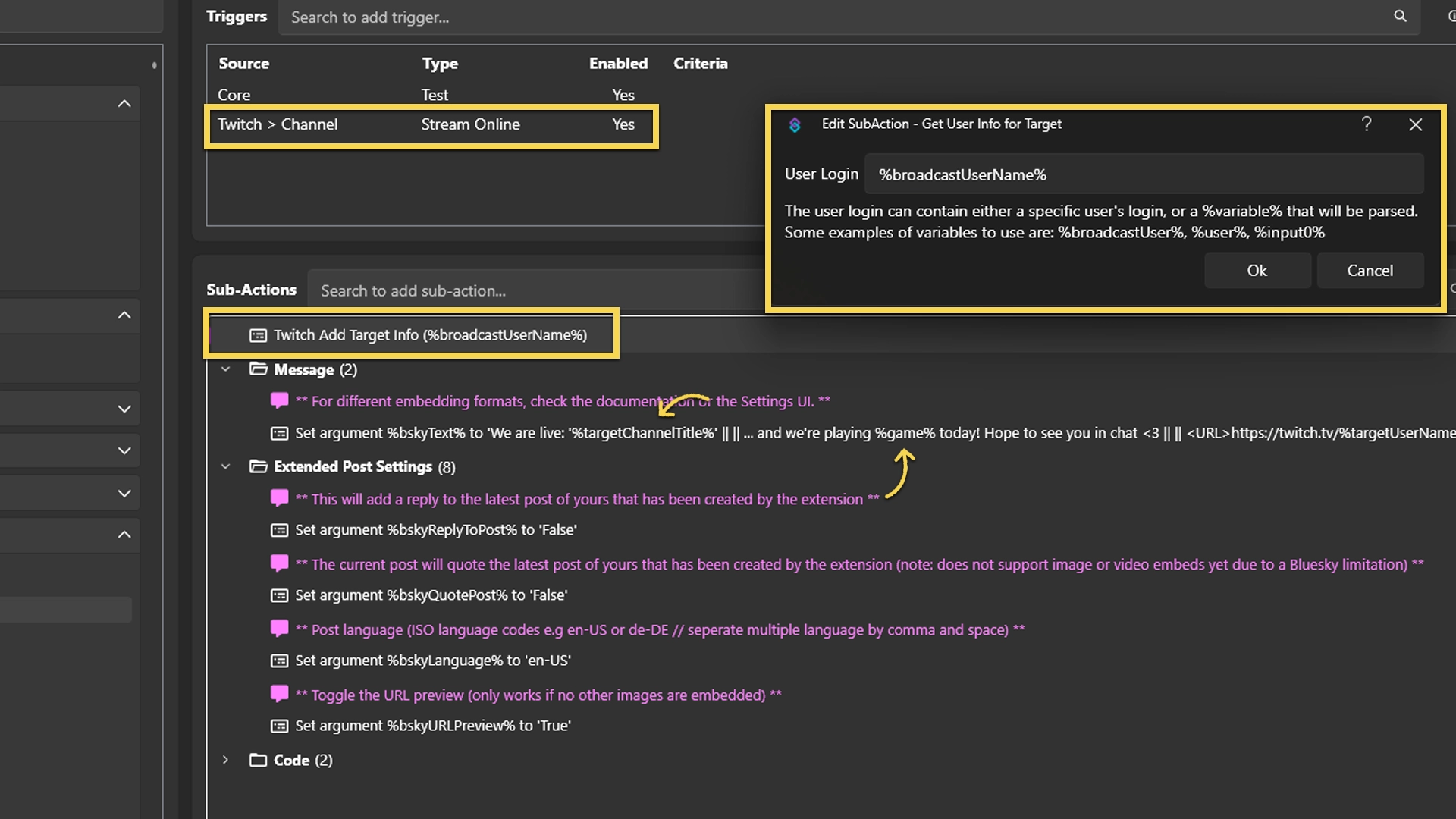
1. Add a trigger Twitch → Channel → Stream Online so the action fires when your stream goes live. The trigger provides the variable %game% with your current category.
2. To also include your title, add a Twitch → User → Get User Info For Target subaction at the top of the action and type %broadcastUserName% into the textbox so the data is fetched. This gives you %targetChannelTitle%.
3. In bskyText, you can now use %game% and %targetChannelTitle% to build a live announcement.

Example text for bskyText:

We are live: '%targetChannelTitle%' || || ... and we're playing %game% today! Hope to see you in chat <3 || || <URL>https://twitch.tv/%targetUserName%</URL> || || #Twitch || #Stream
Can I update my live badge when I go online/offline?
Yeppers! v.1.1.9 added a new action: [BLUESKY & SB] 9 - Update Live Badge. You can enable the action by rightclicking it and check Enabled.

It already has the correct triggers in place and is linked to the Twitch account that is connected to Streamer.bot. So whenever you go live, it'll enable the badge with your Twitch profile and disable it when you go offline. You can always rightclick the triggers and hit Test Trigger to try it out while you are offline. Note: the maximum duration for a live badge 'session' is 4 hours. After that time, there's a periodic check whether your stream is still live, and if so, it will re-enable the badge for another 4 hours.

Changelog

v1.2.2 latest

  • New Added a Post Preview Creator to the Settings UI. You can now type in your text
  • Fix Fixed a few edge cases of hashtags and mentions not being set correctly
  • Changed Improved image optimization in case the image exceeds the maximum allowed size
  • New Added new update notification settings, allowing you to turn them off indefinitely

v1.2.1

  • Fix Fixed an issue when trying to authorize with a custom PDS
  • New Added PDS overwrite to the Settings UI (ignore this unless you are a bluesky CRACK)

User Reviews

4.8 (4 reviews)

Easy to import, Easy to set up, and makes life so much easier not having to post live updates on every platform. Tawmae does an amazing job explaining how to use his extensions, and if you ever need help he is very responsive on his discord with assistance. 10/10

I hate having to remember to post on Bluesky when I'm live, so this makes the process SOOO MUCH EASIER!

Before you post your review

Please make sure this is not a support issue. If you have trouble getting it to work, join my Discord, open a support post and attach your logs.

Join the Discord for support ↗