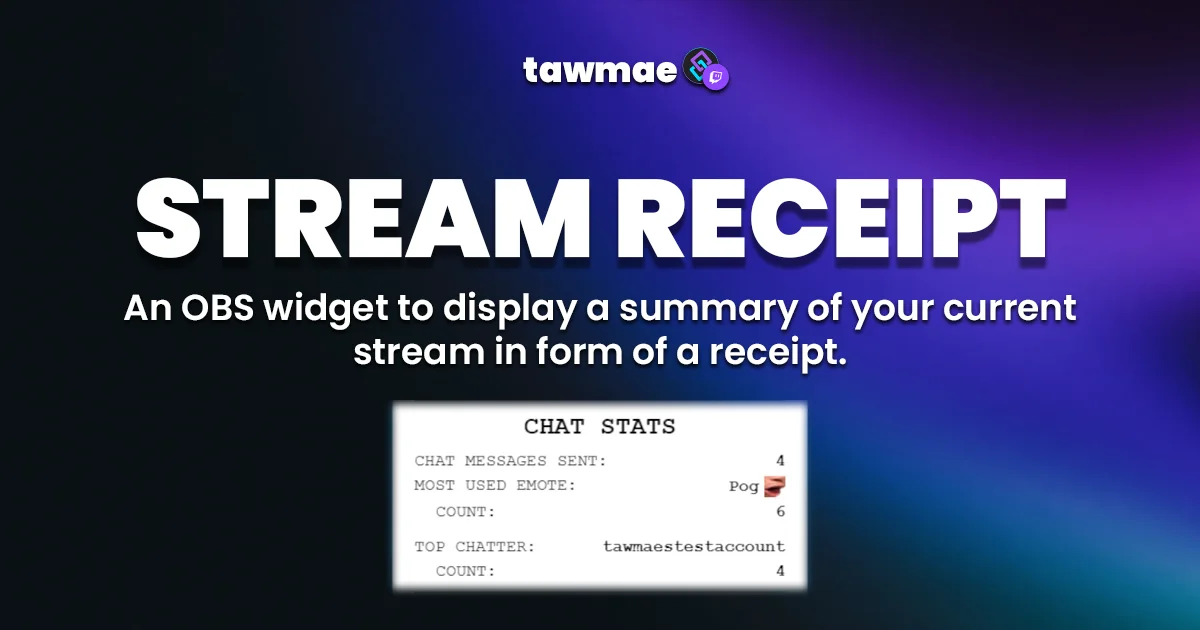


Having shitty stats never looked better!
1
Copy the Action Import String
Copy the Action Import text from

2
Import into Streamer.bot
In Streamer.bot click

3
Start WebSocket Server
Go to the tab

4
Open the Settings UI once and hit Save
Open the action
If the TawmaeUI.dll is missing, you'll be asked to auto-download. That popup window may appear behind the Streamer.bot window, so make sure to check if nothing appears.

5
Copy Browser Source URL
Copy the Browser Source URL from

6
Add Browser Source in OBS
In OBS create a new Browser Source. Paste the URL in there. Choose your canvas size for width and height (e.g. 1920x1080). If you Disconnected indicator in the top right corner, the widget is connected to Streamer.bot.
If you want to have the browser source in multiple scenes, don't create a second browser source. Instead, use nested scenes or source clones.

7
Done!
And you are done! You can now customize everything to your liking and optionally add a Discord webhook.
If you want to send a test print, go into the Settings UI and hit the 'Send Test Print' button!
