BROWSER SOURCE Includes an overlay browser source for your streaming platform, like OBS Studio. TWITCH ONLY Designed specifically for Twitch. Not compatible with other platforms.

A Twitch overlay to fire rockets and fireworks for every chat message or loop fireworks via command. Happy new year!

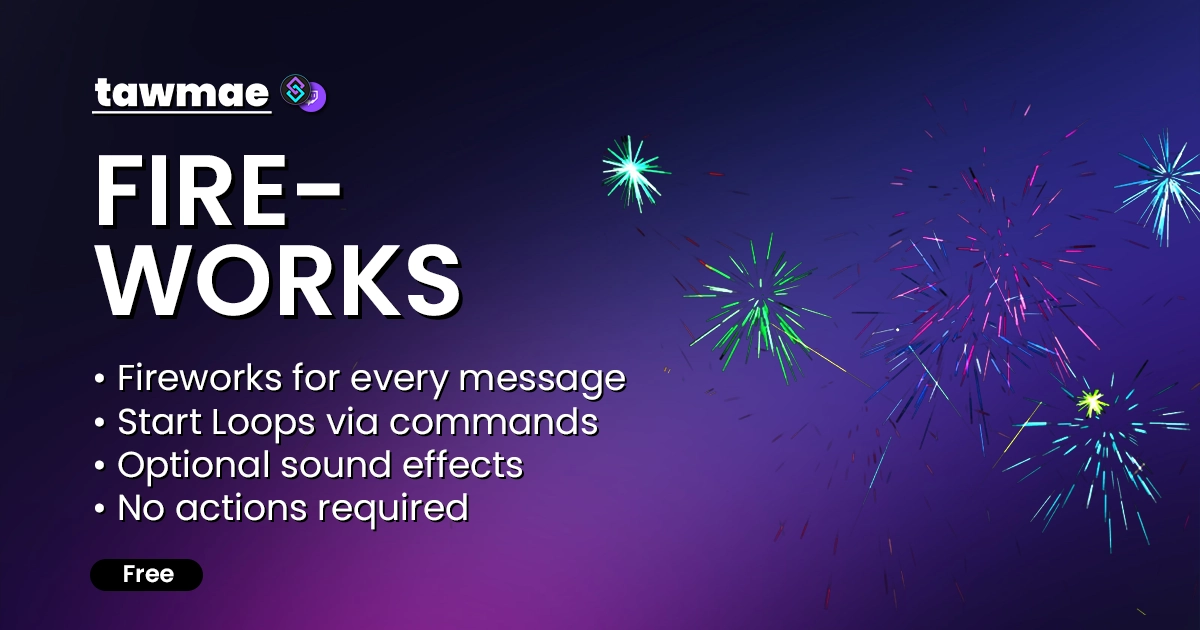
  • Fires a firework for every chat message
  • Commands to loop fireworks for heavy action!
  • Optional sound effects
  • No actions required
Fireworks preview

Quick Access

Copy what you need to get started. Follow the setup guide below for detailed instructions.

Browser Source URL

Add this as a browser source to OBS.

https://tawmae.xyz/overlays/fireworks

Setup Guide

1

Start WebSocket Server

Go to the tab Servers/Clients → WebSocket Server. Enable Auto Start WebSocket Server. Address 127.0.0.1. Port 8080. Optional password. Leave Enforce All Requests unchecked. Start the server.

2

Copy Browser Source URL

Copy the Browser Source URL from Quick Access.

3

Add Browser Source in OBS

In OBS create a new Browser Source. Paste the URL in there. Choose your canvas size for width and height (e.g. 1920x1080). If you don't see any Disconnected indicator in the top right corner, the widget is connected to Streamer.bot.

If you want to have the browser source in multiple scenes, don't create a second browser source. Instead, use nested scenes or source clones.
4

Done!

And you are done! There are no actions, it runs out of the box. You can now spam messages or use the commands.

By default, sound effects are enabled. If you don't want any, check 'Control Audio via OBS' in the Browser Source settings and mute the source.

Commands

Mods Only

!startFirework <intensity (optional)>

Start the firework loop. You can set a level from 1 to 10, but that's optional. Will default to 7 without input.

!startFirework 7
Mods Only

!stopFirework

Stops the firework loop.

!stopFirework

Changelog

v1.0.0 latest

  • New: Initial release.

User Reviews

5.0 (2 reviews)

Reviews